WooCommerce Multisite Product Sync
 Premium
Introduction
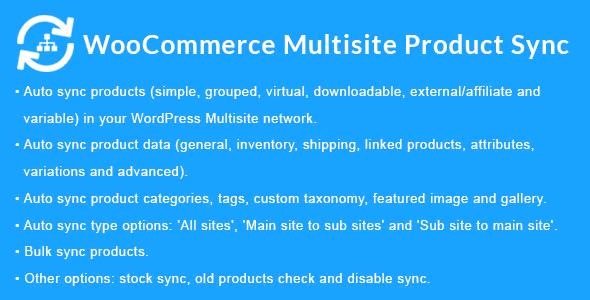
WooCommerce Multisite Product Sync is a WordPress plugin specifically designed for multisite networks that manage multiple WooCommerce stores. Its main purpose is to eliminate the duplicate work involved in keeping the product catalog up to date on each site in the network, allowing automatic synchronization of all product information from a central dashboard.
The tool is aimed at administrators of WordPress Multisite networks who operate several WooCommerce stores under the same installation. With it, it is possible to synchronize all types of products: simple, grouped, virtual, downloadable, external or affiliate, and variable. In addition, synchronization covers complete product data, including inventory, shipping, linked products, attributes, variations, and advanced options.
The plugin also synchronizes categories, tags, and custom taxonomies, as well as the media associated with each product: featured image, gallery, and downloadable files. This ensures that each store in the network displays a coherent and complete catalog without the need for manual intervention.
Among its most notable features are the automatic synchronization options, which allow you to choose between syncing across all sites in the network, from the main site to sub-sites, or from sub-sites to the main site. It also includes stock synchronization, which can be activated when processing or completing orders, and the option to sync when deleting products, maintaining consistency across the network.
The bulk sync feature allows you to select products from a source site and send them to the chosen destination sites, with additional options to include media, terms, categories, tags, attributes, and shipping classes. It is also possible to exclude specific product metadata during synchronization, offering granular control over what information is shared between sites.
For projects with multiple stores or brands connected under a multisite network, this plugin represents an efficient solution that centralizes catalog management, reduces human errors, and saves hours of administrative work. Its configuration is done from the network administration panel, making it an accessible tool even for administrators without advanced development knowledge.