Tooltips for Gravity Forms (4124)
 Premium
Introduction
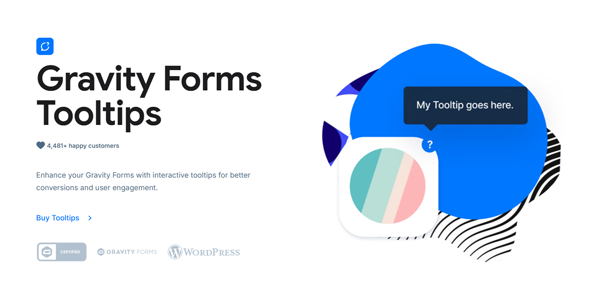
Tooltips for Gravity Forms is a WordPress plugin that adds floating descriptions (tooltips) to the labels of fields in your forms created with Gravity Forms. It is designed for websites where users get stuck when filling out data, make mistakes, or abandon forms because they don't understand what is being asked. If you manage registrations, bookings, complex requests, or sales with medium or long forms, this plugin helps you guide the user without cluttering the interface.
The plugin automatically detects all fields in your forms and shows options to add tooltips to each one. Once you add the help text, an icon is automatically inserted next to the corresponding field label. You can choose from 9 different tooltip icons or upload your own custom icon, adjust its size, and set the margin between the label and the icon.
Customization options are extensive: choose from 6 different visual themes, set the width of the tooltip text, select from different animation styles, and control the exact position where the description appears (next to, above, or below the label). All with a live preview of changes before applying them, making precise configuration easy and without guesswork.
You can also set a delay for the tooltip appearance and apply descriptions to individual options of radio fields, checkboxes, and multi-selects. The plugin works with all major Gravity Forms field types and is compatible with other plugins in the WPMonks suite, such as Collapsible Sections, Image Choices, and Gravity Forms Color Picker, allowing you to maintain a consistent visual experience across your entire site.
With more than 40,000 users trusting the Gravity Booster suite, this plugin is a proven solution to reduce friction in complex forms, improve completion rates, and offer a clearer and more professional user experience.
Similar items
 Premium
 Premium
 Premium
