Time Tracking and Activity Reporting WordPress Plugin
 Premium
Introduction
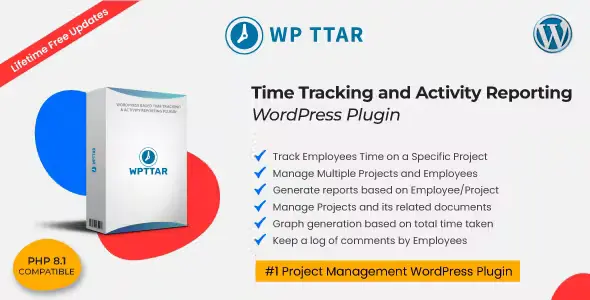
WPTTAR is a WordPress plugin designed for companies and teams that need to keep an accurate record of the time spent on their projects. Developed by Ommune, this add-on allows developers, designers, and other team members to log worked hours along with detailed comments, all from the WordPress admin panel.
The plugin offers a centralized dashboard where the administrator can view the total number of ongoing projects, the number of team members, and pending time registration requests. From the projects section, it is possible to create new projects by assigning clients, multiple team members, and attaching documents of any format. Each project displays a progress bar with the hours contributed by each member, as well as charts to visualize progress by day, month, or year.
One of the most notable features is the time registration request system. Team members can submit worked hours requests that the administrator must approve or reject, thus ensuring rigorous control over recorded time. The administrator can also add custom records directly, without prior approval.
The plugin includes built-in timers that allow starting, pausing, and closing time tracking in real time. Each team member has a personal panel where they can view assigned projects, request custom records, and check their worked hours history. Reports can be downloaded in PDF or Excel format, selecting specific date ranges to obtain detailed summaries by project or by member.
Regarding configuration, WPTTAR offers flexible options to adjust the time zone, time format (12 or 24 hours), visible user roles, and permissions by role. It is possible to create new custom user roles and assign specific permissions, allowing the plugin to be adapted to the particular needs of each organization. Success messages can also be customized according to the administrator's preferences.
This plugin is ideal for agencies, design studios, development teams, and any company that works with projects and needs a reliable solution for time tracking and activity report generation, all integrated directly into WordPress.